
Choosing the right HRMS deployment model can define how agile, secure, and scalable your workforce operations are.
Introduction: Why HRMS Deployment Choice Matters in 2026
As organizations adapt to remote work, AI-driven HR, and global compliance, the choice between Cloud HRMS and On-Premise HRMS has become more strategic than ever.
In 2026, HR leaders are not just asking “Which is cheaper?”
They’re asking:
- Which HRMS scales faster?
- Which is more secure?
- Which delivers better ROI?
- Which future-proofs HR operations?
This blog breaks down Cloud vs On-Premise HRMS, covering cost, scalability, security, migration best practices, and ROI, so you can make an informed decision.
What is Cloud HRMS?
Cloud HRMS is hosted on a vendor’s cloud infrastructure and accessed via the internet. It typically follows a subscription-based (SaaS) pricing model.
Examples: Workforce management platforms, AI-powered HR tools, mobile-first HRMS solutions.
Key Characteristics
- Hosted on cloud servers
- Accessible anytime, anywhere
- Automatic updates and upgrades
- Subscription or pay-as-you-use pricing

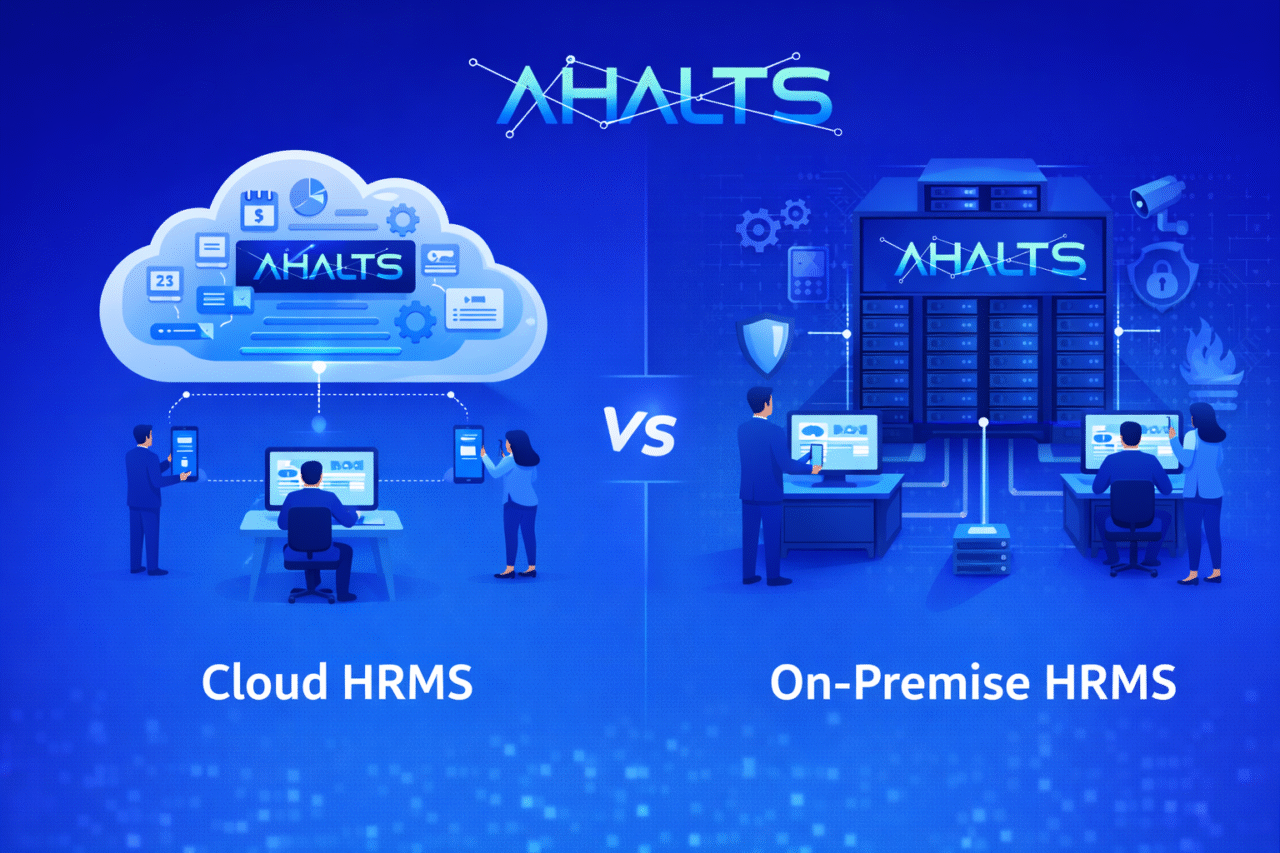
Diagram showing Cloud HRMS architecture with users accessing via web/mobile
What is On-Premise HRMS?
On-Premise HRMS is installed and hosted on the organization’s own servers and infrastructure.
Key Characteristics
- One-time licensing cost
- Full internal control
- Requires internal IT management
- Updates handled manually

Diagram showing On-Premise HRMS hosted within company infrastructure
Cloud vs On-Premise HRMS: Quick Comparison Table
| Feature | Cloud HRMS | On-Premise HRMS |
|---|---|---|
| Deployment | Internet-based | Local servers |
| Cost Model | Subscription | One-time license |
| Scalability | High | Limited |
| Maintenance | Vendor-managed | Internal IT |
| Updates | Automatic | Manual |
| Remote Access | Built-in | Limited |
| Time to Go Live | Weeks | Months |
- Cost Comparison: Cloud vs On-Premise HRMS
Cloud HRMS Costs
- Monthly or annual subscription
- No upfront infrastructure cost
- Lower IT staffing requirements
- Predictable operational expenses (OPEX)
Best for:
SMEs, startups, fast-growing organizations, global teams
On-Premise HRMS Costs
- High upfront license and server costs
- Hardware, security, backup expenses
- Dedicated IT team required
- Long-term maintenance overhead
Best for:
Large enterprises with existing IT infrastructure
Cloud HRMS is more cost-effective upfront, while on-premise HRMS demands higher initial investment.
- Scalability & Flexibility in 2026
Cloud HRMS Scalability
- Add users instantly
- Scale across locations and countries
- Supports mergers, acquisitions, and seasonal workforce growth
- Ideal for hybrid and remote teams
On-Premise HRMS Scalability
- Requires hardware upgrades
- Time-consuming expansion
- Difficult to support global or remote teams
Cloud HRMS offers near-instant scalability, making it ideal for growing organizations in 2026.
- Security & Compliance: Clearing the Myths
Security is one of the biggest decision factors — and also one of the most misunderstood.
Cloud HRMS Security
Modern cloud HRMS platforms offer:
- End-to-end encryption
- Role-based access control
- Multi-factor authentication
- Regular security audits
- Compliance with GDPR, ISO, SOC 2
On-Premise HRMS Security
- Full internal control
- Depends heavily on internal IT capability
- Security patches must be applied manually
- Higher risk if systems are outdated
Reality Check:
In 2026, top cloud HRMS platforms often provide stronger security than poorly managed on-premise systems.

Security shield graphic showing encryption, compliance, and access control
- Migration Best Practices: Moving to Cloud HRMS
Many organizations are migrating from on-premise to cloud HRMS. Here’s how to do it right.
✅ Step-by-Step Migration Best Practices
- Audit Existing HR Data
- Clean outdated and duplicate records
- Define Migration Scope
- Payroll, attendance, performance, documents
- Choose a Secure Cloud HRMS
- Ensure compliance and data residency
- Pilot Before Full Rollout
- Test with one department
- Train HR & Employees
- Adoption drives ROI
- Ensure Data Backup & Rollback
- Always have a fallback plan
Successful HRMS migration depends on data readiness, phased rollout, and user training.
- Cloud HRMS ROI: What HR Leaders Care About
Return on Investment (ROI) is not just financial — it’s operational.
How Cloud HRMS Delivers ROI
- Reduced HR administration time
- Lower IT and infrastructure costs
- Faster hiring and onboarding
- Improved employee experience
- Better decision-making with analytics
- Higher compliance accuracy
Real ROI Metrics Organizations Track
- HR cost per employee
- Time saved per HR process
- Employee engagement scores
- Attrition reduction
- Payroll error reduction
Cloud HRMS ROI comes from automation, scalability, and faster HR decision-making.
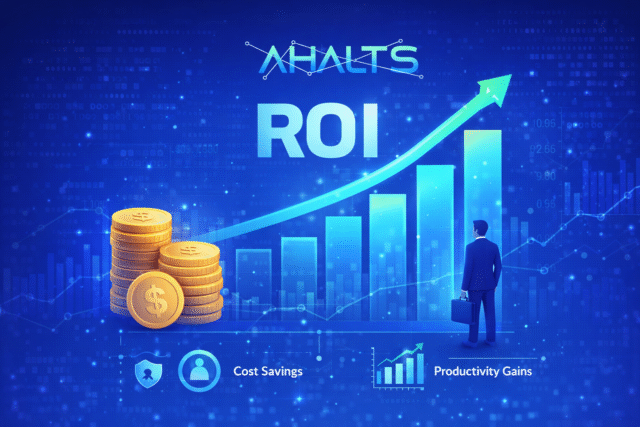
ROI chart showing cost savings and productivity gains
Cloud vs On-Premise HRMS: Which Should You Choose in 2026?
Choose Cloud HRMS if:
- You want faster deployment
- You support remote or hybrid work
- You need scalability
- You prefer predictable costs
- You want AI and analytics capabilities
Choose On-Premise HRMS if:
- You have strict internal hosting policies
- You already own large IT infrastructure
- You require deep system customization
- Regulatory constraints mandate local hosting
Final Verdict
In 2026, the shift is clear:
Cloud HRMS is no longer the future — it is the default choice.
While on-premise HRMS still has niche use cases, cloud-based HRMS platforms like Ahalts HRMS offer unmatched agility, security, scalability, and ROI for modern organizations.
FAQs
❓ Is Cloud HRMS secure in 2026?
Yes. Leading cloud HRMS platforms use enterprise-grade encryption, compliance standards, and continuous monitoring.
❓ Is Cloud HRMS cheaper than On-Premise?
For most organizations, yes — especially when infrastructure and IT costs are considered.
❓ Can we migrate from On-Premise to Cloud HRMS?
Yes. With proper planning, phased migration, and data validation, migration is smooth and safe.
❓ Which HRMS is best for remote work?
Cloud HRMS is best suited for remote and hybrid workforce models.